
Snap it! Scan it! Save it! Track calories in seconds
Scan my meal
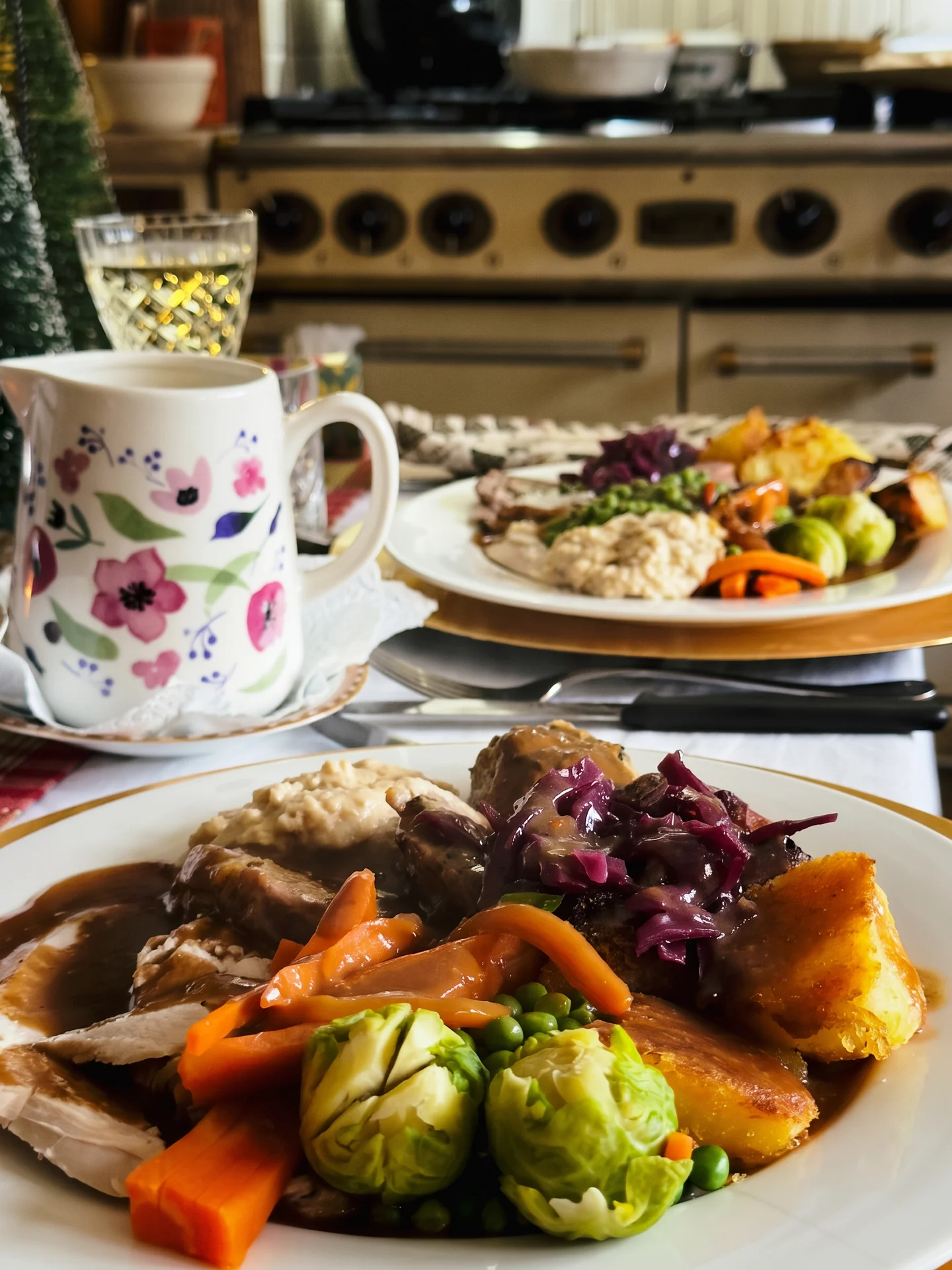
Snap your plate.
It names every food on it and works out the calories.
0 calories
Four foods, one photo. No weighing, no searching.
Change any amount in a tap.
Then Add to log. Done.

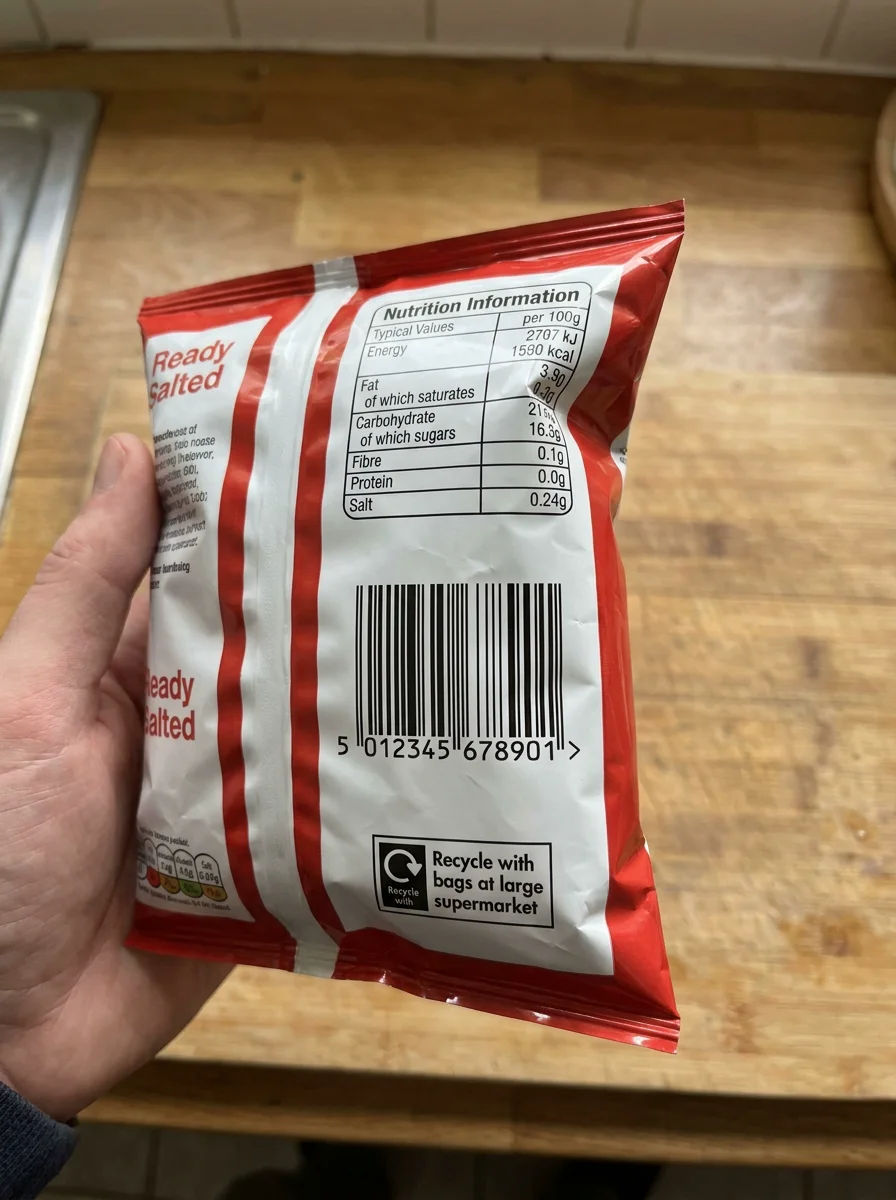
Scan a label
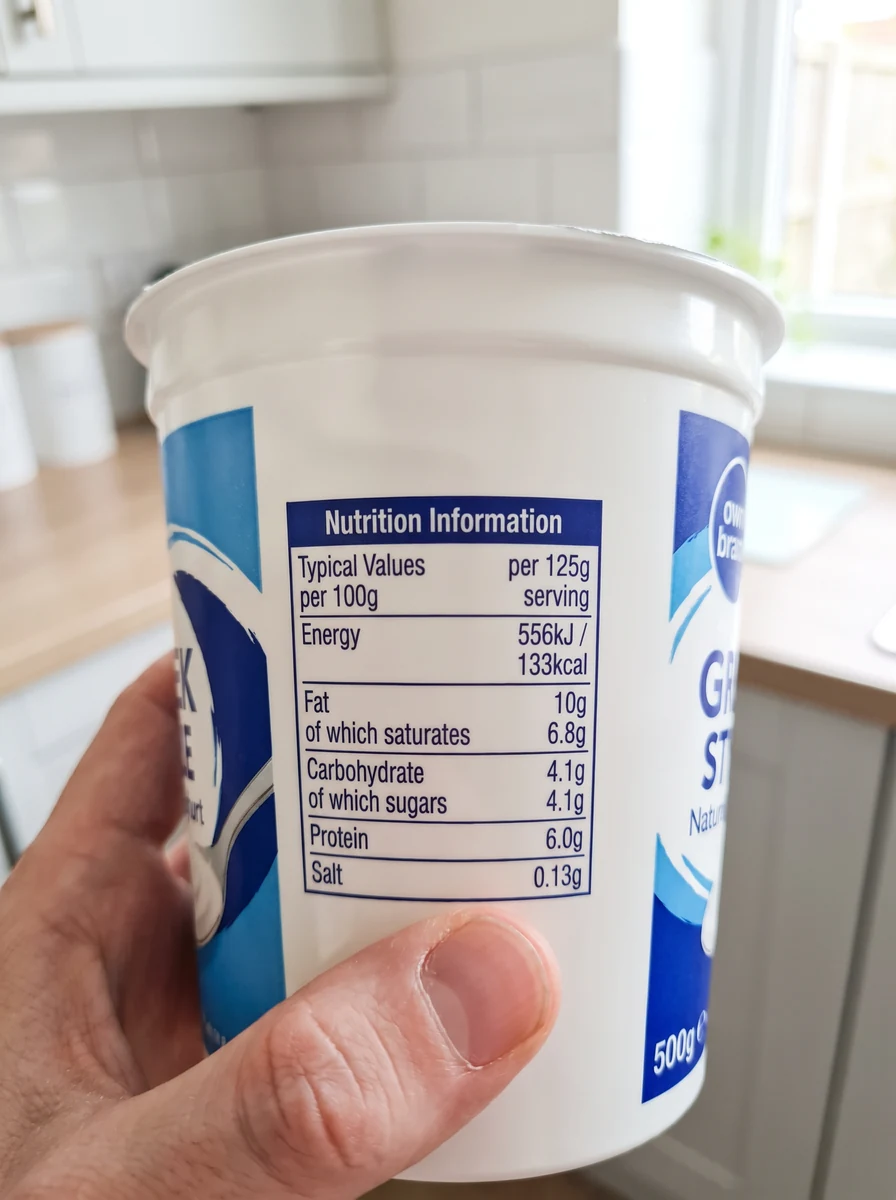
No barcode? Snap the label.
It reads every number off the pack: calories, fat, carbs, protein, salt. Check it, then Add to log.

Describe a meal
Already eaten it? Just say what you ate.
“”
- Toast, white 80 g · 210 cal
- Butter 10 g · 74 cal
- Latte, semi-skimmed 350 ml · 140 cal
0 calories. Say it or type it, in your own words.
Recipe Generator
Want ideas on what to cook?
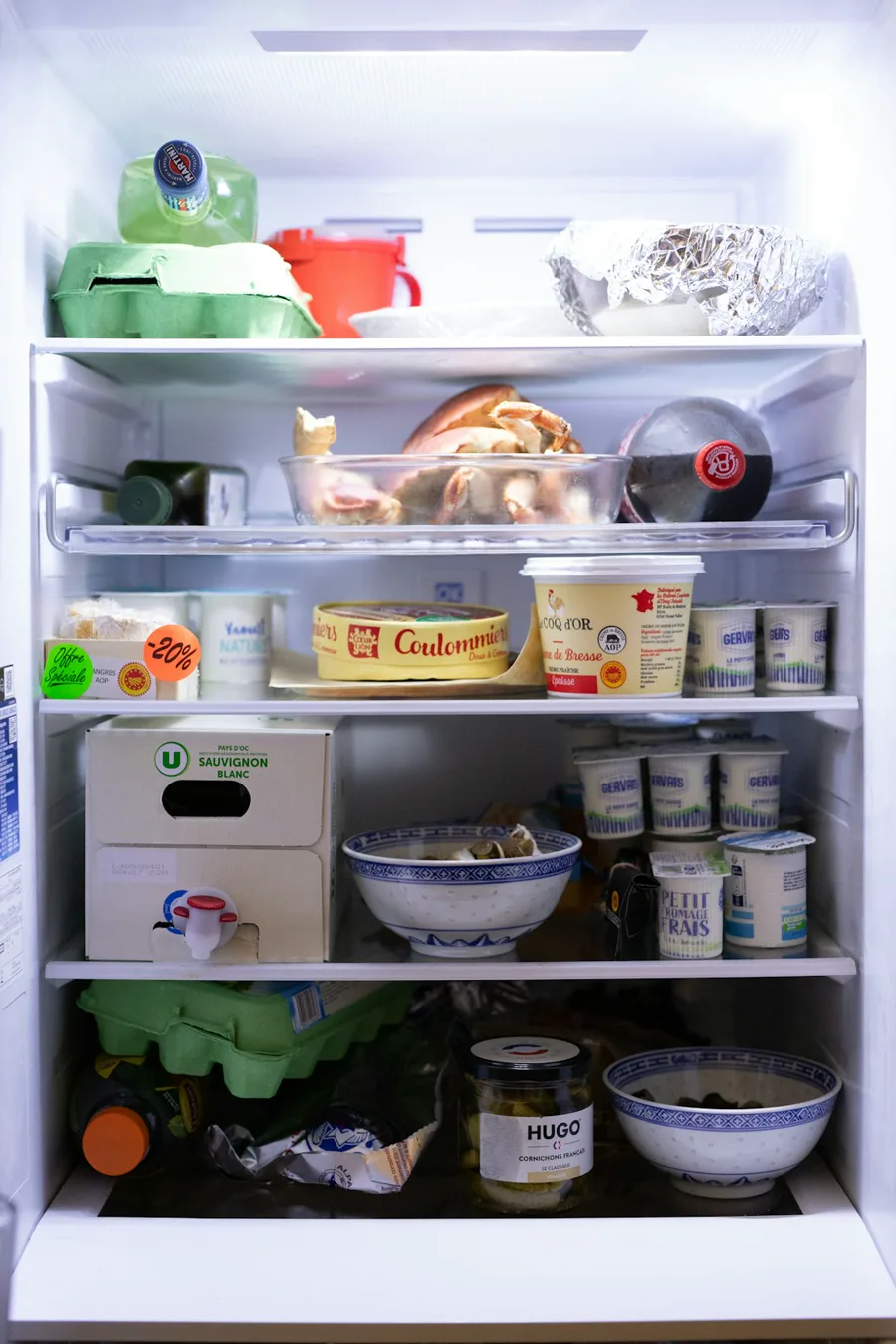
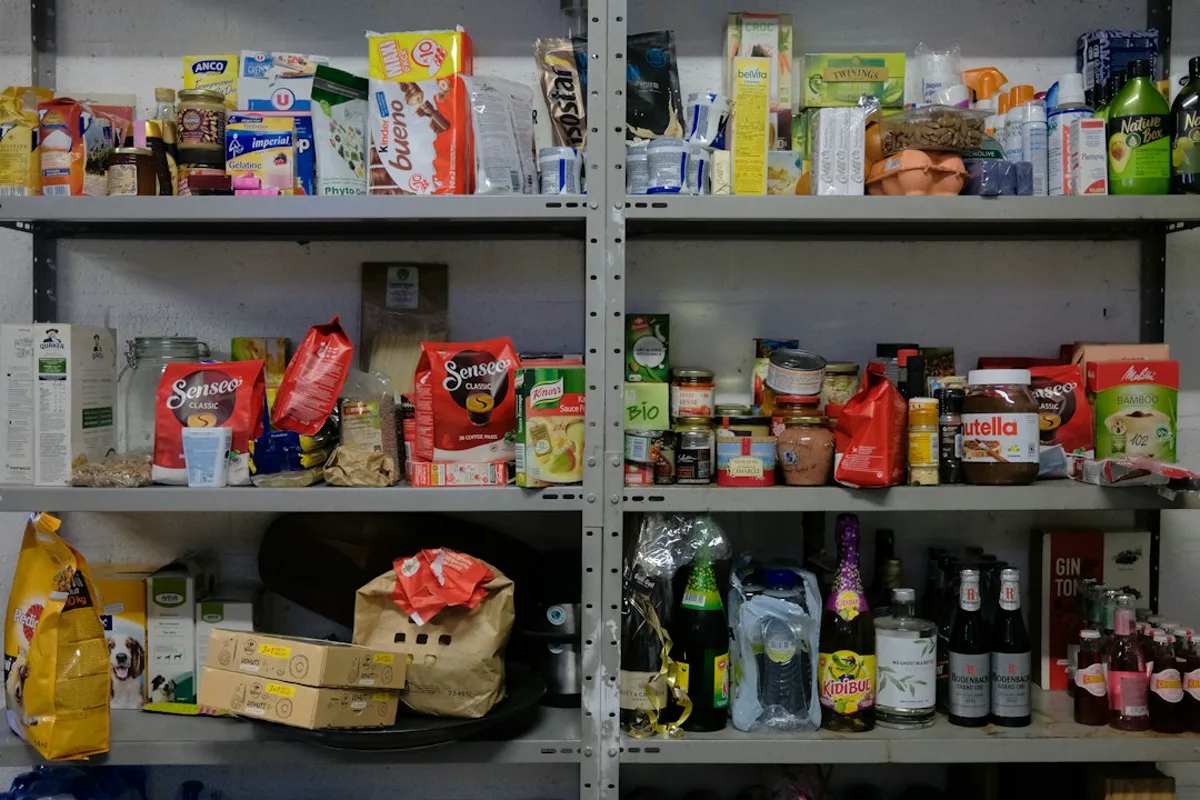
Snap your fridge and pantry and get 3 recipes, made only from what you’ve got, with the calories done.


Recipe from a link
Found a recipe online? Paste the link.
It reads the ingredients and works out the calories for the whole dish and per serving. Save it as a meal and log it any time.


Scan a barcode
Eating from a packet? Scan the barcode.
Exact numbers from the pack, from over 140,000 UK foods and 680,000 US foods.

And everything else
Everything a calorie counter should do.
- Weekly check-inEach week it compares what you ate with how your weight moved, and suggests a new daily target.
- Weight trendDaily weigh-ins smoothed into a trend, so one salty meal doesn't throw you.
- Goal progressSee how far you've come and how far is left.
- Your usualThe foods you eat most, one tap away.
- Saved mealsSave a meal once, log it again in a tap.
- Quick addJust the calories, when that's all you've got.
- Protein, carbs and fatPlus fibre, sugar and salt, every day.
- Nutrient explorerSee which foods filled each number.
- Water and exerciseLog them alongside your food.
- Body measurementsTrack more than the scale.
- Progress photosThey stay on your phone, not on our servers.
- MilestonesLittle wins along the way.
- RemindersA nudge at breakfast, lunch and dinner, and one to weigh in.
- Import from another appBring your history from MacroFactor and other apps.
- 30-day reportA PDF of your last month to keep or share.
- Backed upYour log follows you to any phone or computer.
- Kilograms, stone or poundsYour choice of units, and light or dark.
- Install in secondsAdd it to your home screen. No app store needed.
Questions
How accurate are photo estimates?
A photo is an estimate: it can't see inside a pie or how much oil went in the pan. It flags anything it's unsure about, and you can change any amount before you log it. For packaged food, scan the barcode or the label to get the exact numbers.
How do I install it?
Open the app on your phone or computer and add it to your home screen. It sits there as an icon and opens like any other app, and it works best that way. No app store, nothing to pay to install.
iPhone: tap Share, then Add to Home Screen.
Android: tap Install, or ⋮ then Add to Home screen.
Windows or Mac (Chrome or Edge): click the install icon at the right of the address bar.
Mac (Safari): File, then Add to Dock.
What happens after the 30 days?
You choose whether to subscribe. We don't take a card for the trial, so nothing is charged unless you decide to pay.
Is my data sold or used for ads?
No. There are no ads, and we don't sell your data. Your log is backed up to your account so it's there on any phone. Progress photos stay on your phone and aren't backed up to us.
Can I bring my history from another app?
Yes. It imports spreadsheets and CSV files with dates, weights and calories, including MacroFactor's Quick Export.
Is it for the UK or the US?
Both. UK users see grams, kilograms or stone, and salt. US users see pounds, fluid ounces and sodium. The food database covers over 140,000 UK foods and 680,000 US foods.
Your next 30 days, on us.
Snap it, scan it, save it. See what your body really needs.
Start free trial30 days free, full access, no card needed.
Then £59.99 a year.